Banana Code builds fast and ships clean
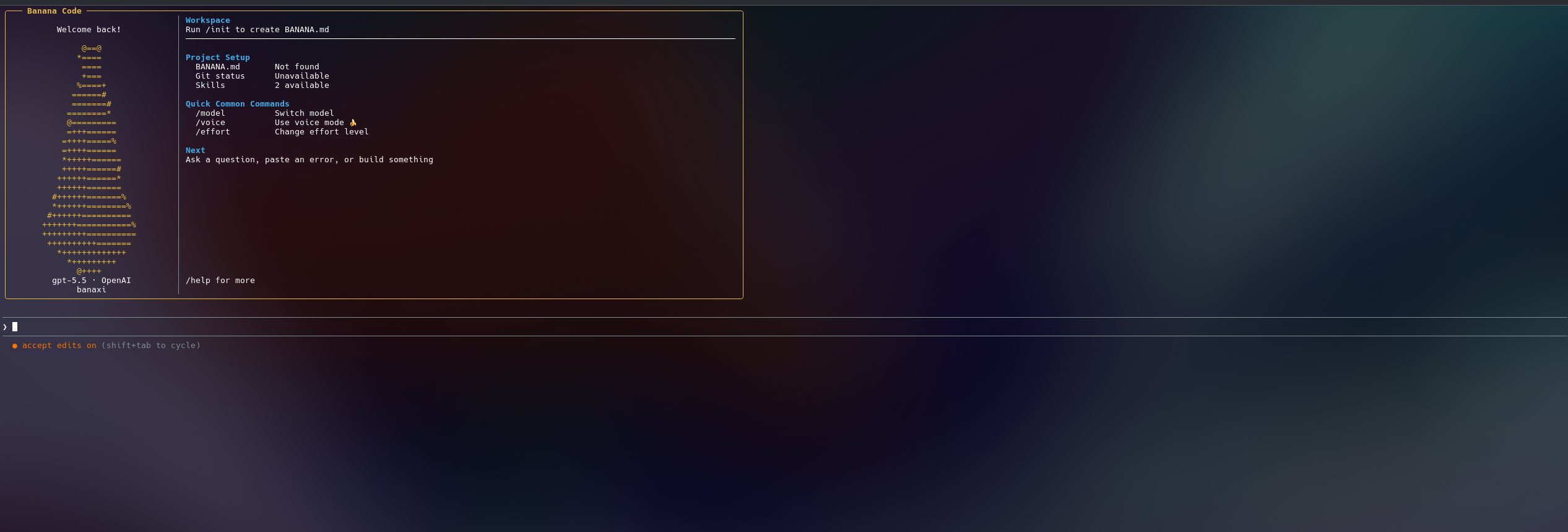
A sleek AI coding command center for real projects. Watch it plan, edit, run, recover from errors, and keep momentum without dragging you through a slow workflow.
npm install -g @banaxi/banana-code
01
Fast by default
Short feedback loops, quick command approval, and model routing built for active coding sessions.
02
Good output
Reads the project, patches files, runs checks, and keeps improving until the change works.
03
Made for builders
Terminal power with a polished studio view for sessions, models, approvals, and history.
Providers
Live speed demo
See the workflow move.
Banana Code is designed to feel immediate: ask for the change, let it work through the files, approve what matters, and get back a result you can inspect.
Multi-Provider Support
Switch instantly between Google Gemini, Anthropic Claude, OpenAI, Mistral, Deepseek, Kimi, OpenRouter, LM Studio, and Ollama Local/Cloud mid-conversation.
True Autonomy
Banana Code tries, fails, reads the errors, and fixes its own mistakes automatically with robust Self-Healing Error Loops.
Banana Guard
AI-Powered Auto-Approve. Get the speed of YOLO mode with a smart security layer that approves safe commands and pauses risky ones.
Financial Intelligence
Track exact API spend and savings in real-time. Features native 1-Hour Extended Prompt Caching for Claude to save you money.
UltraMemory Context
Extreme context retention. A background AI worker continuously scans and summarizes your active chat history for deep long-term understanding.
MCP & Agent Skills
Connect to external APIs via Model Context Protocol (MCP) and teach your AI custom workflows by dropping a SKILL.md file.
How it compares
See how Banana Code stacks up against the latest features of other top AI coding tools in 2026.
| Feature |
Banana Code
|
Cursor | Claude Code |
|---|---|---|---|
| Open Source | ✅ Yes | ❌ No | ❌ No |
| Multiple Providers | ✅ All | Major Providers only | Claude Only |
| Local Models | ✅ Local Ollama & LM Studio Support. | ❌ | ❌ |
| Security / Permissions | ✅ Banana Guard, Y/N Prompts & YOLO Mode | ⚠️ Y/N Prompts / YOLO mode | ⚠️ Configurable Permissions |
| Persistent Memory | ✅ UltraMemory Background Worker | ⚠️ Rules & Project Context | ❌ Session Context |
| Interactive Shell / Input | ✅ Yes (Spawns persistent PTY) | ✅ Yes (via built-in terminal) | Standard CLI execution |
| Operating Modes | ✅ 5+ Specialized Modes (Plan, Ask, Security, etc.) | ❌ Standard Agent | ❌ Standard Agent |
| Model Context Protocol (MCP) | ✅ Full Support + Custom Agent Skills | ✅ Full Support | ✅ Full Support |
| Auto Model Routing | ✅ Yes (Fast Router Model) | ❌ Manual Model Selection | ❌ Claude Only |
| Cost | ✅ Free | ❌ $20 / month | ❌ $20 / month |
Frequently Asked Questions
Everything you need to know about Banana Code.
What exactly is Banana Code?
Is Banana Code free to use?
Which AI models are supported?
How does "Banana Guard" work?
Can I use it for existing projects?
Does Banana Code respect my privacy?
bananacode.sh over TLS for remote chat, approvals, and session history. Read the full Privacy Policy.
Can I save money on API costs?
What are "Agent Skills"?
Does it support web research?
Can I use it as a backend for my own apps?
© 2026 Banana Code by banaxi.